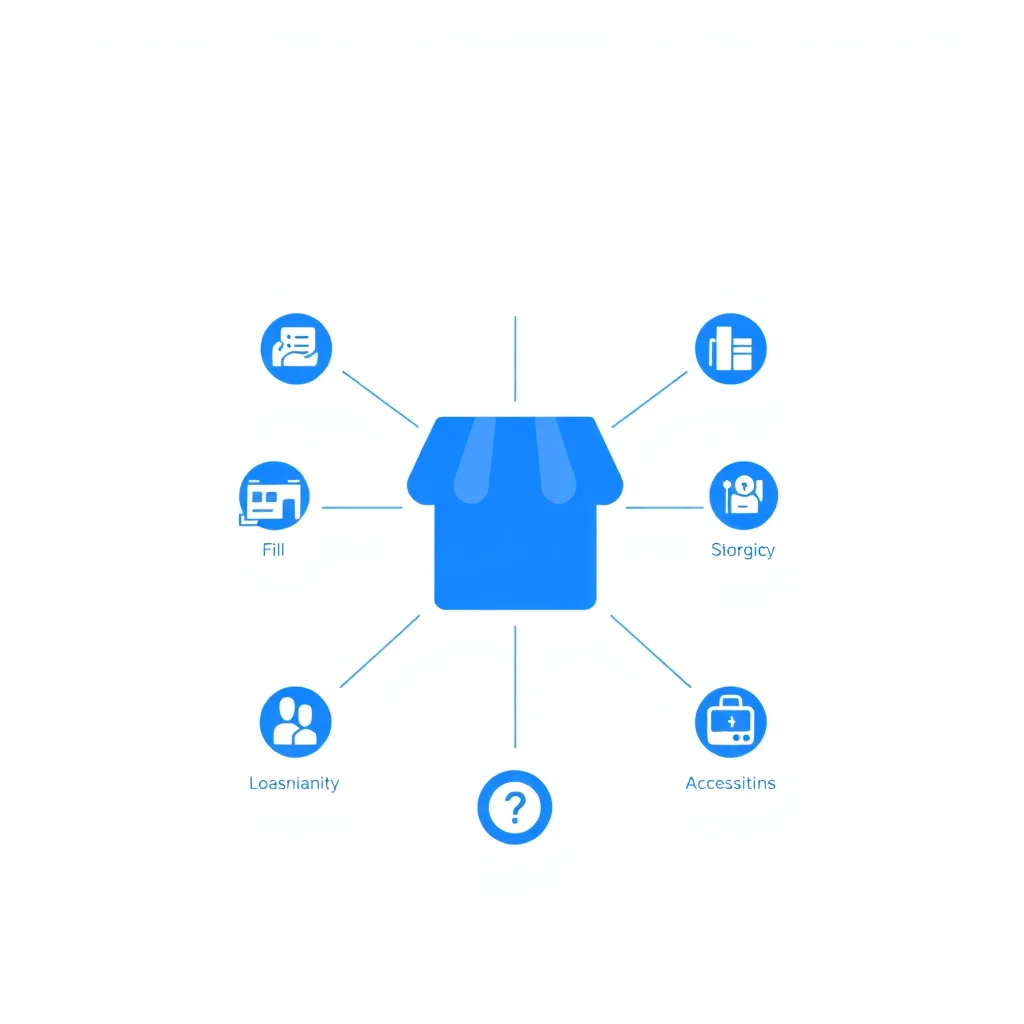
What Are Google Business Profile Attributes?
Google Business Profile (GBP) attributes are descriptive tags that provide searchers with quick, factual details about your business. They appear directly on your listing and help potential customers decide whether your business meets their needs before they even visit your website.
Attributes cover a wide range of features: accessibility options, payment methods, amenities, health and safety measures, and more. Google uses these attributes to match your business with filtered searches, making them a quiet but powerful local SEO lever.
When someone searches for “wheelchair accessible restaurant near me” or “coffee shop with wifi,” Google relies heavily on attribute data to deliver relevant results. If your attributes are incomplete, you are invisible to these filtered queries.
Why Attributes Matter for Local Search
Attributes influence your local rankings and visibility in several important ways:
- Search filter matching: Google Maps allows users to filter results by specific features. If you have not enabled the relevant attributes, your listing will not appear when those filters are active.
- Rich listing appearance: Attributes add visual detail to your listing, making it more informative and appealing compared to competitors with sparse profiles.
- Click-through rate improvement: Listings with detailed attributes tend to receive more clicks because searchers can quickly confirm the business meets their criteria.
- Voice search compatibility: When users ask voice assistants for businesses with specific features, Google pulls from attribute data to generate answers.
Think of attributes as a checklist that Google uses to qualify your business for certain searches. Every unchecked box is a missed opportunity.
Types of Attributes Available
Google organizes attributes into several categories. The exact attributes available to you depend on your primary business category, but here are the main groups.
Accessibility
- Wheelchair accessible entrance
- Wheelchair accessible seating
- Wheelchair accessible parking
- Wheelchair accessible restroom
These attributes matter more than many business owners realize. Accessibility-related searches are growing, and enabling accurate accessibility attributes demonstrates inclusivity while capturing a meaningful audience segment.
Amenities
- Free wifi
- Outdoor seating or terrace
- Restrooms available
- Live music
- Pet-friendly
For restaurants, cafes, and hospitality businesses, amenity attributes are some of the most frequently used search filters. A cafe that has not marked “free wifi” is missing a significant portion of potential customers searching for a place to work.
Payment Methods
- Accepts credit cards
- Accepts debit cards
- Accepts NFC mobile payments
- Cash only
Payment attributes help customers plan their visit. In an increasingly cashless world, confirming that you accept card or mobile payments removes a friction point.
Service Options
- Dine-in
- Takeout
- Delivery
- Curbside pickup
- Online appointments
- In-store shopping
These became especially important during the pandemic and have remained prominent. Service option attributes directly affect whether your business appears in filtered local searches.
Health and Safety
- Mask required
- Staff wear masks
- Temperature checks
- Appointment required
While some of these have become less relevant post-pandemic, keeping them accurate prevents confusion and maintains trust.
Highlights and Identity
- Women-owned
- Black-owned
- Veteran-owned
- LGBTQ+ friendly
Identity attributes connect your business with customers who actively seek out businesses that align with their values. These attributes appear prominently on your listing and can differentiate you in competitive markets.
Recommended Attributes by Business Type
Restaurants and Cafes
Prioritize these attributes first:
- Dine-in, takeout, delivery options
- Outdoor seating
- Free wifi
- Wheelchair accessibility
- Payment methods
- Reservation availability
- Alcohol served (if applicable)
Retail Shops
Focus on:
- In-store shopping
- Curbside pickup
- Payment methods
- Wheelchair accessible entrance
- Pet-friendly (if applicable)
- Return policy attributes
Service Providers (Plumbers, Electricians, etc.)
Key attributes include:
- Online appointments
- Service area details
- Payment methods
- License and insurance information (where available)
- Languages spoken
Medical and Wellness
Important attributes:
- Appointment required
- Wheelchair accessibility (all categories)
- Telehealth availability
- Insurance accepted
- Languages spoken
How to Enable and Manage Attributes
Managing your attributes is straightforward:
- Sign into your Google Business Profile dashboard.
- Navigate to the “Edit profile” section.
- Look for the “More” tab or “Attributes” section.
- Review each available attribute and toggle on everything that accurately applies to your business.
- Save your changes.
A few important guidelines to follow:
- Be accurate: Do not enable attributes that do not genuinely apply. Google cross-references attribute claims with user-submitted data and reviews. If customers report inaccuracies, it can hurt your listing credibility.
- Review regularly: Google adds new attributes periodically. Check your attribute options at least once per quarter to catch new additions.
- Check category-specific attributes: Some attributes only appear when you have the right primary or secondary business category set. If you are missing expected attributes, review your category settings.
- Monitor suggested edits: Google users can suggest changes to your attributes. Review these suggestions promptly to prevent inaccurate information from going live.
Attributes and Your Competitors
One of the simplest competitive audits you can run is comparing your enabled attributes against your top local competitors. Search for your main keyword, open each competitor listing, and note which attributes they display.
If a competitor has enabled attributes that you have not, and those attributes are accurate for your business too, you are giving them a free advantage. Closing that gap takes minutes but can meaningfully affect your visibility in filtered searches.
Conversely, if you enable attributes that competitors have overlooked, you gain an edge in every filtered search where those attributes are relevant.
Measuring the Impact
While Google does not provide direct analytics on attribute performance, you can track indirect indicators:
- Monitor your GBP Insights for changes in search queries after updating attributes. Look for an increase in discovery searches (where customers find you through category or feature searches rather than by name).
- Track click-through rates from your listing over time.
- Watch for increases in direction requests or phone calls following attribute updates.
Conclusion
Google Business Profile attributes are one of the most underutilized tools in local SEO. They take only a few minutes to configure, yet they directly influence whether your business appears in filtered searches, how informative your listing looks, and how likely searchers are to click through.
Review your attributes today. Enable everything that accurately describes your business, check for new options quarterly, and compare your setup against local competitors. It is a small investment with a measurable return on your local search visibility.
Frequently Asked Questions
How long does it take to see results from google business profile attributes?
Significant results typically appear within 3 to 6 months of consistent effort. Some quick wins like GBP optimization can show improvement within 4-8 weeks.
Is this local SEO strategy suitable for small businesses?
Yes. Most local SEO strategies require more time than money, making them accessible to small businesses and sole traders with limited budgets.
Should I hire an agency or do local SEO myself?
Start with DIY for the fundamentals: GBP optimization, NAP consistency, and review management. These can be done without specialist knowledge. For more advanced technical work, consider professional help.
How do I measure the ROI of local SEO?
Track calls, direction requests, and website visits from your GBP Insights dashboard. Use Google Search Console to monitor organic traffic from local queries. Compare these metrics before and after implementing changes.
What's the biggest local SEO mistake to avoid?
Inconsistent NAP information across online directories is the most common and damaging mistake. Ensure your business name, address, and phone number are identical on every platform where your business is listed.
Improve your local visibility
Check out our complete guide to dominating local search results on Google.
Access the free guide →